If you maintain a fleet of corporate Windows PC's like myself, you may have had to configure the Windows 10 Start menu so it looks the same for everyone by default and has corporate apps pinned as tiles. This consisted of generating an .xml file from the Export-StartLayout PowerShell cmdlet, copying said .xml file across to each machine on the network via Group Policy, and telling Windows to point to that file for it's Start menu configuration (well that's how I did it at least).
Microsoft has decided that is no good for Windows 11. Now if you want to configure the Start menu, you're suggested to use Microsoft's very own Microsoft Endpoint Manager, which of course isn't free. Hmm.
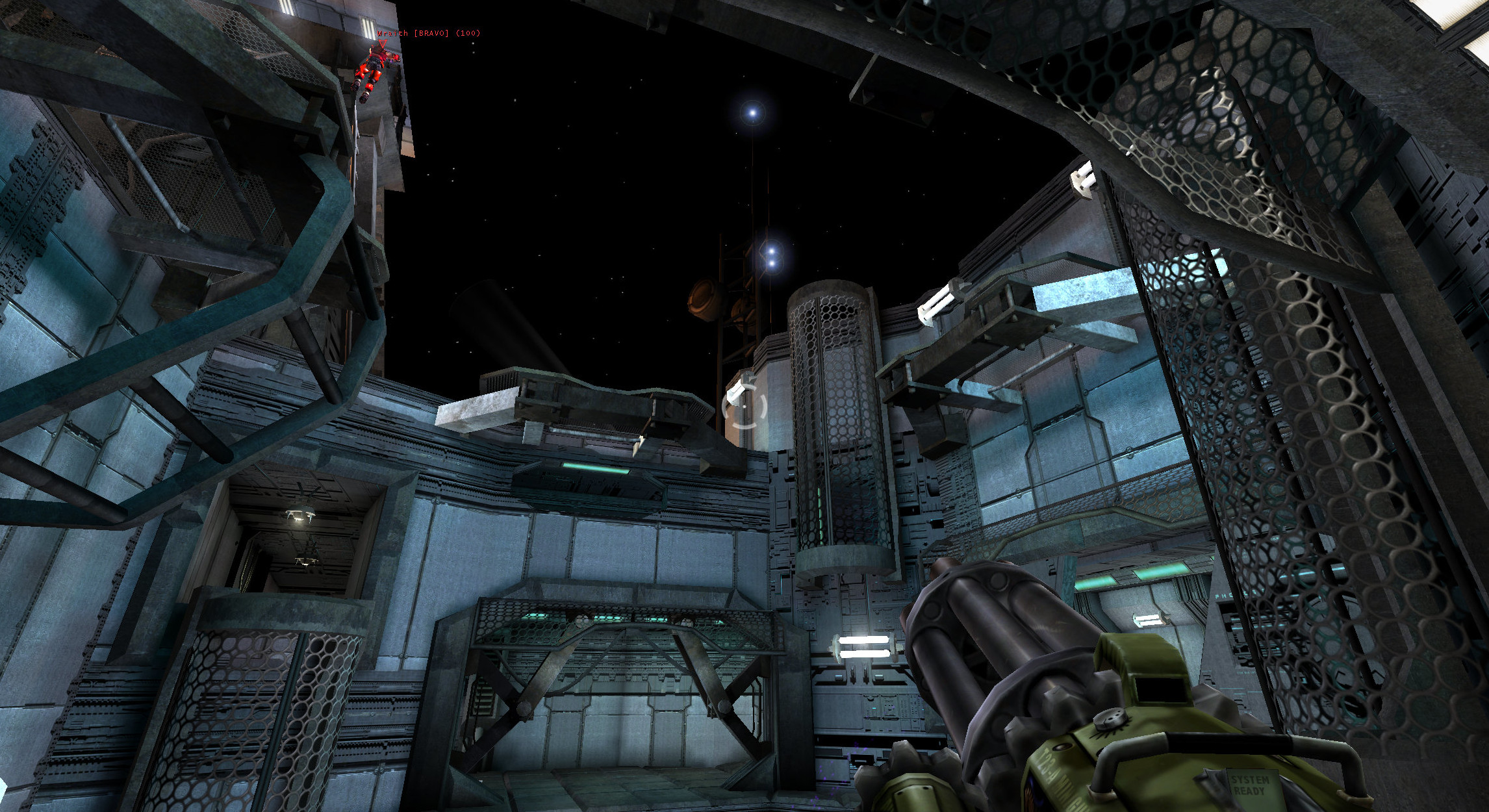
I recently had the pleasure of setting up Unreal Tournament 2004 on my Windows 11 system. It took quite a few steps to get everything set up right, so I thought I'd share what I've done here so anyone else can benefit from it.
At the beginning of 2020, I was just trying to process the catastrophe that was the ‘19/‘20 summer bushfires which had laid waste to much of the bush land near my home on the South Coast of New South Wales, Australia. The village I live in was luckily unaffected, but people living in surrounding towns and regions weren’t so lucky. Our landscape was to forever be changed, and I was only beginning to come to terms with the reality of such devastation.
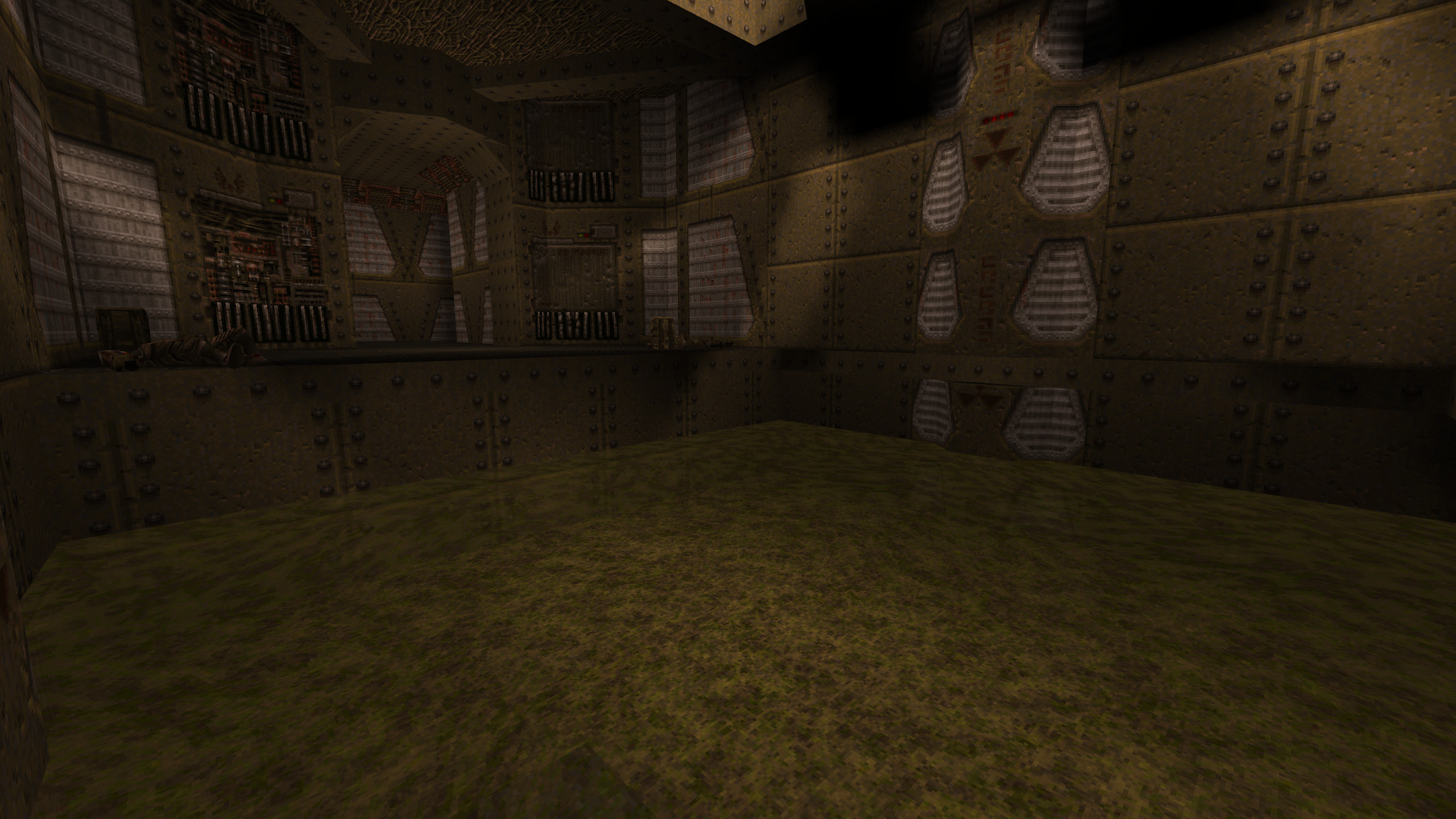
This guide will show you how to set up everything on your Windows computer so you can run Quake using the modern Vulkan-based source port, vkQuake.
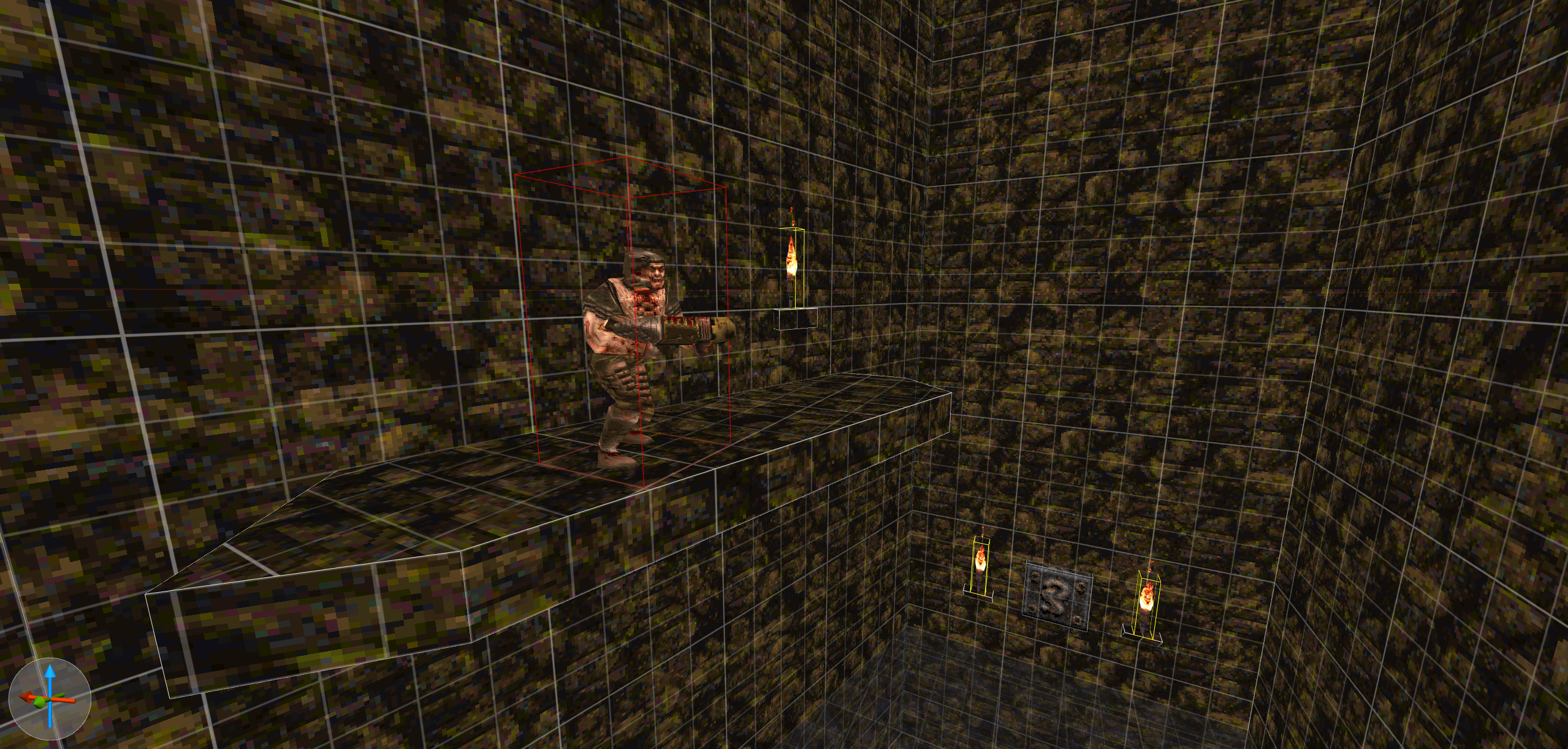
This guide will show you everything you need to do to get TrenchBroom up and running in Windows so you can create and compile Quake maps.
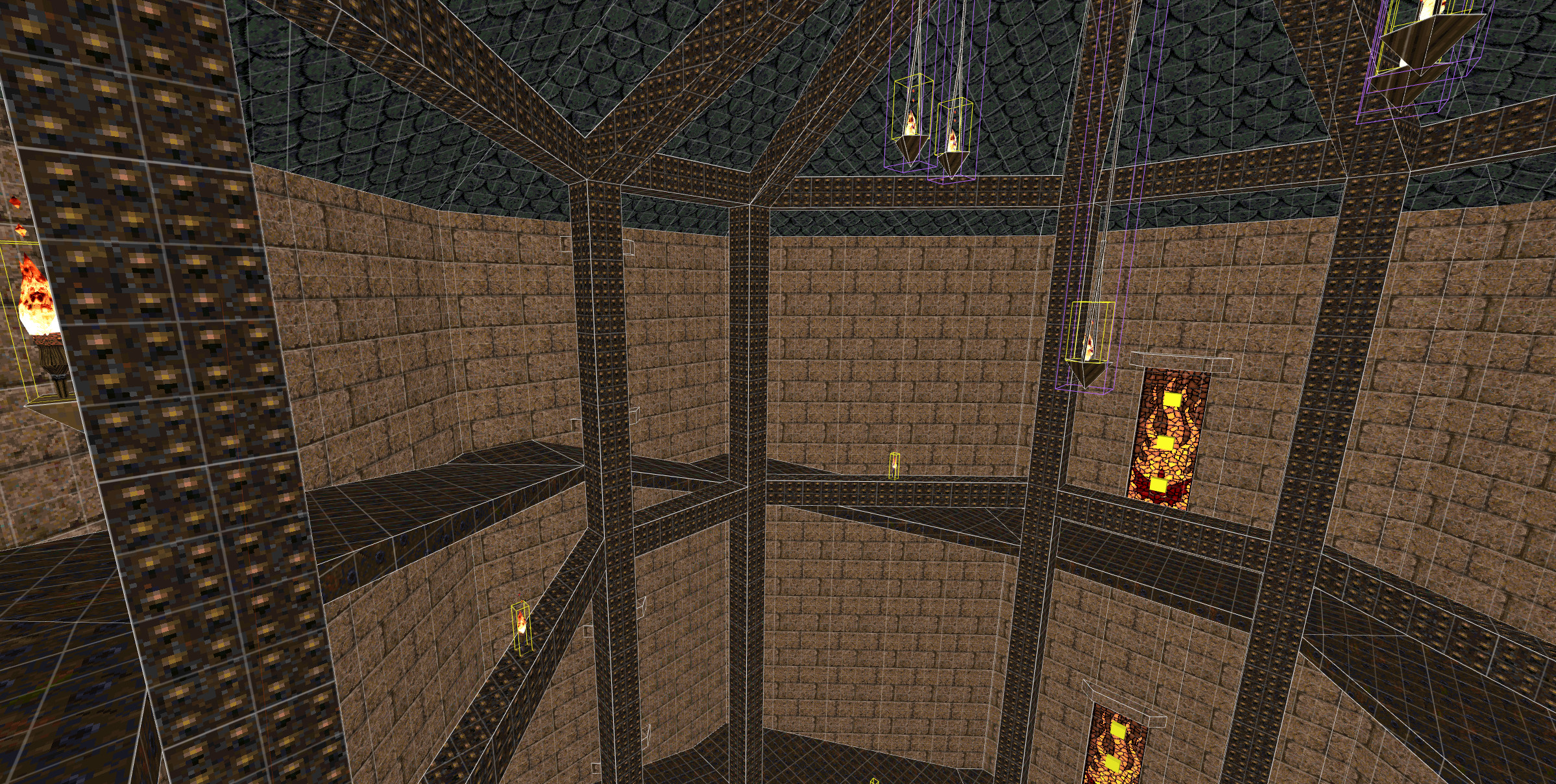
This is a comprehensive guide which shows you how to download, install and use the right software on Windows to compile TrenchBroom from source.